
Updating Review Requests
Updating review requests is very much like creating review requests. Once you have a review request out there, you can upload a new diff, new screenshots, or modify the fields. Any changes you make will be seen by you only until you publish the changes.
To modify a field, either click on the field (in the case of Description and Testing Done) or click on the pencil icon. A text box will appear allowing you to modify the value.
As soon as you make any change, a draft banner will appear above the review request asking you to optionally describe your changes. This is handy when you’ve actually uploaded a new diff and want to say what changed in that diff.
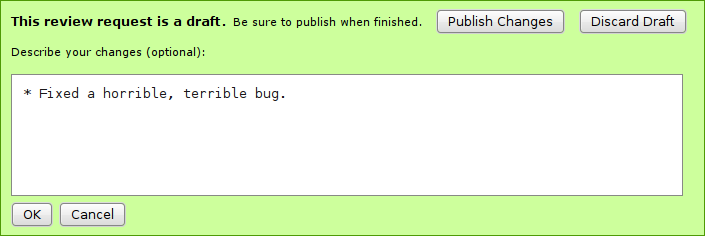
When you’re finished, click Publish Changes. If you decided you didn’t want to make those changes, you can click Discard Draft instead.
Depending on your particular setup, publishing a draft may send an e-mail out to the reviewers, letting them know your change is ready to reviewed again.